Room 711 · Italian painting
Mona Lisa
Leonardo da Vinci, c. 1503–1519 · oil on poplar panel
Lisa Gherardini, the wife of a Florentine silk merchant. Leonardo worked on her portrait for years and kept it until he died.
Curious?
Ask your own AI guide.
Free in early access
Tell the AI what it should know about anything: an artwork, a menu, a product, an event. People scan the code and the conversation starts in the assistant they already use: ChatGPT, Claude, Gemini, Perplexity or Mistral.
Create for free. No sign-up needed for your first 3. No app needed.
Their assistant starts with
You are my personal art guide. I am standing in front of the Mona Lisa by Leonardo da Vinci, at the Louvre in Paris…
Try it
It takes a minute. You get a link and a QR code you can print, and you can change the prompt later without reprinting.
Free. No account needed for your first 3 links. By creating a link you agree to the terms.
Use cases
People already point their phone at things and ask an assistant about them. With Qrompt, you control the conversation and how it helps: your facts, your recommendations, your tone, from the first message. A context-aware assistant for your place, without building or paying for a chatbot.
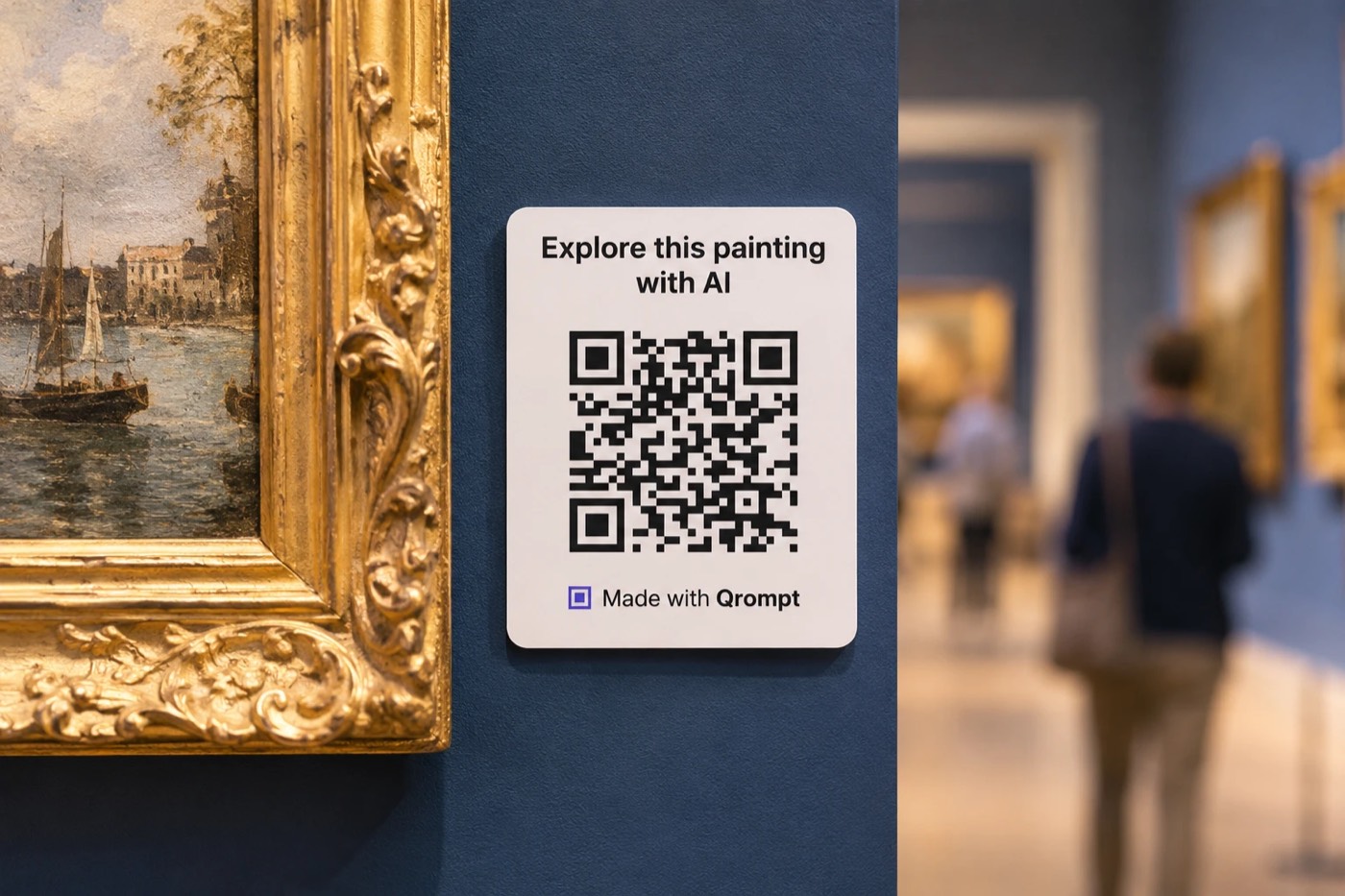
01 / 10
A personal guide for every visitor, in their own language, with no audio guides to buy or maintain.
Where it goes: Labels, entrance panels, maps, city signage
People ask
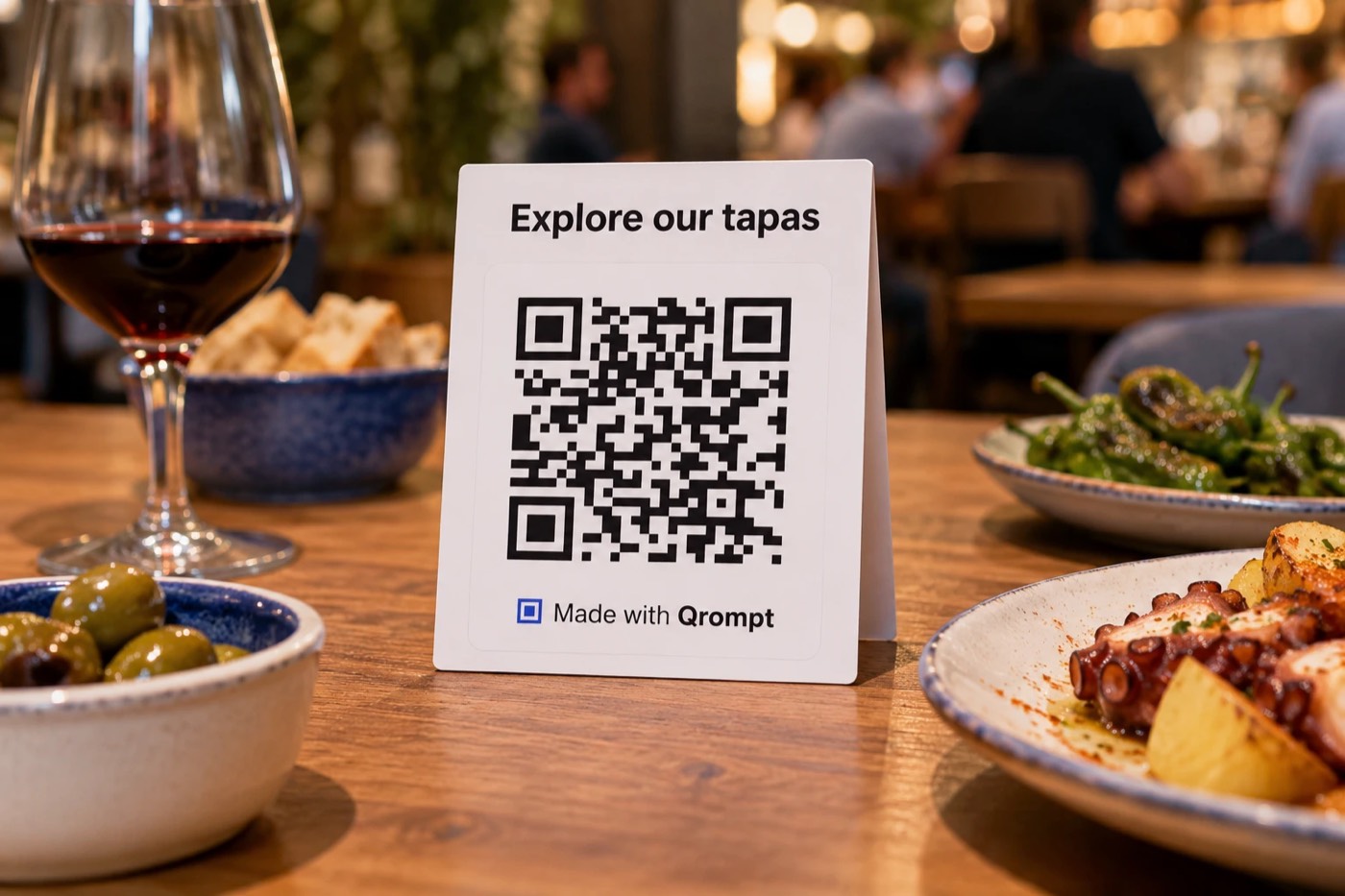
02 / 10
Guests choose dishes and stay on budget with your own menu. Allergy questions use the allergen list you add, and anything unclear goes to your staff.
Where it goes: Table cards, menus, the window
People ask
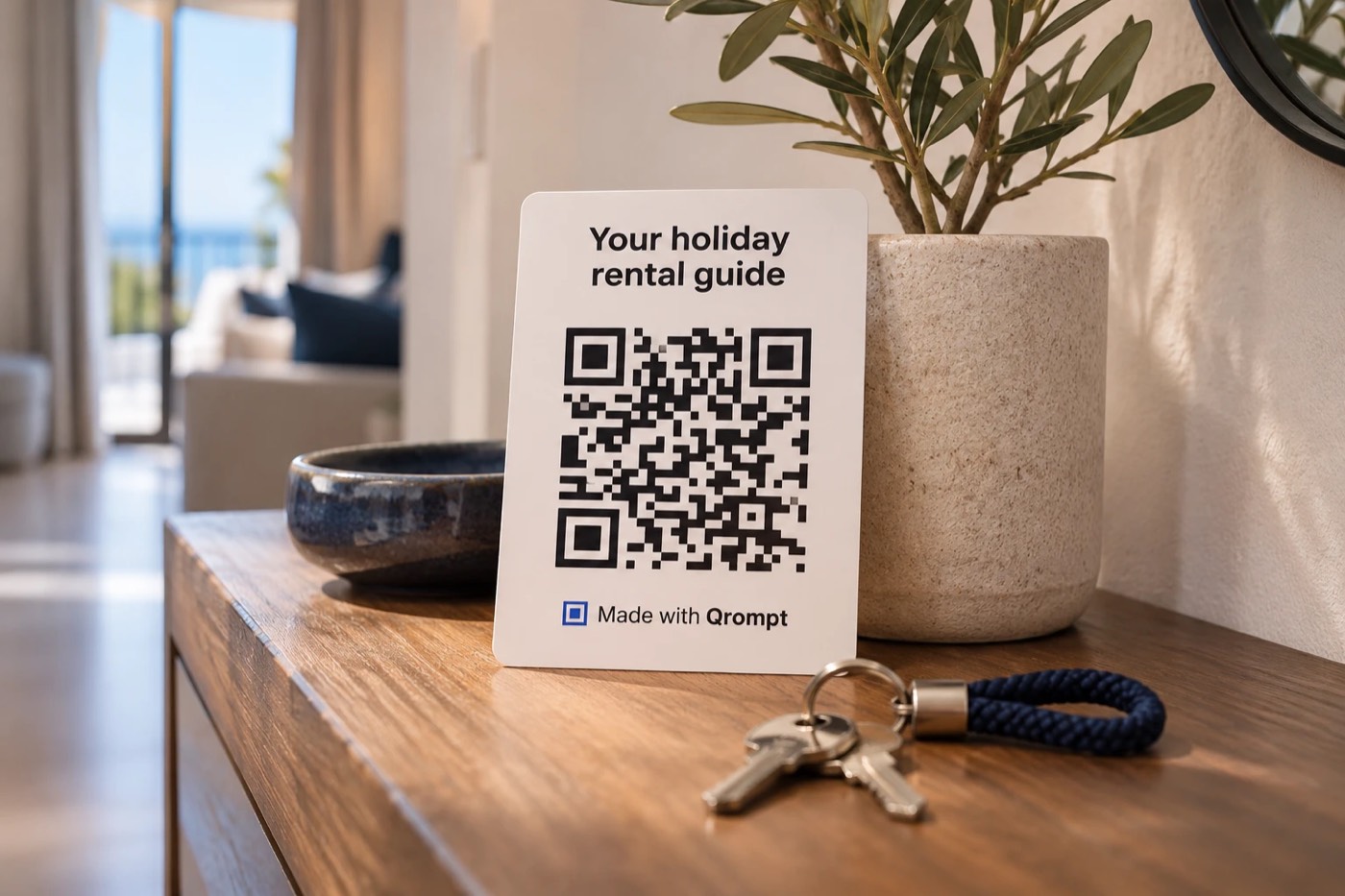
03 / 10
Your house guide answers guests at any hour, in their language, so you get fewer messages.
Where it goes: Welcome cards, room folders, key tags, the fridge door
People ask
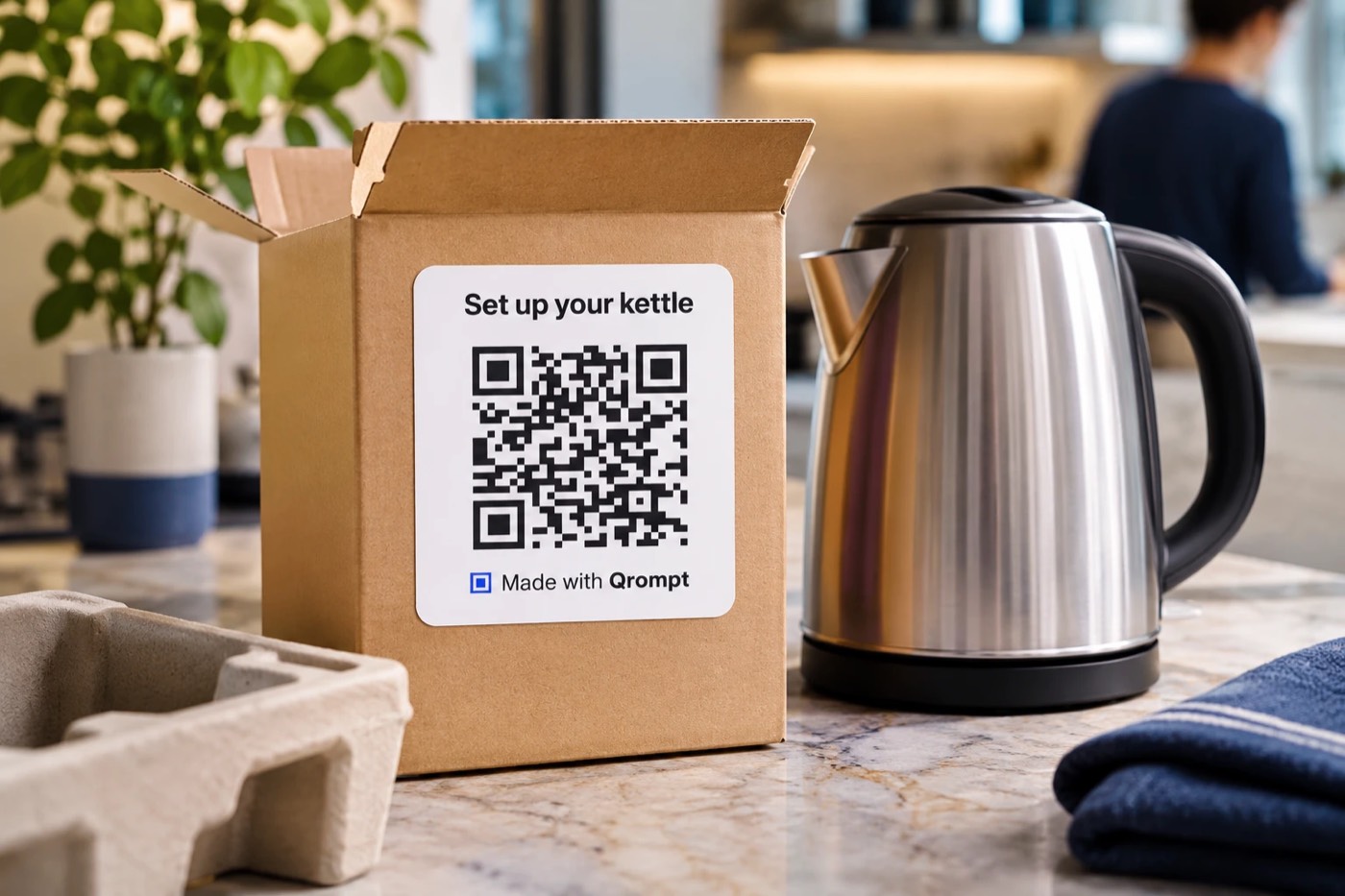
04 / 10
Help that already knows your product, so customers sort themselves out and your support line stays quiet.
Where it goes: Packaging, manuals, shelf labels, care tags
People ask
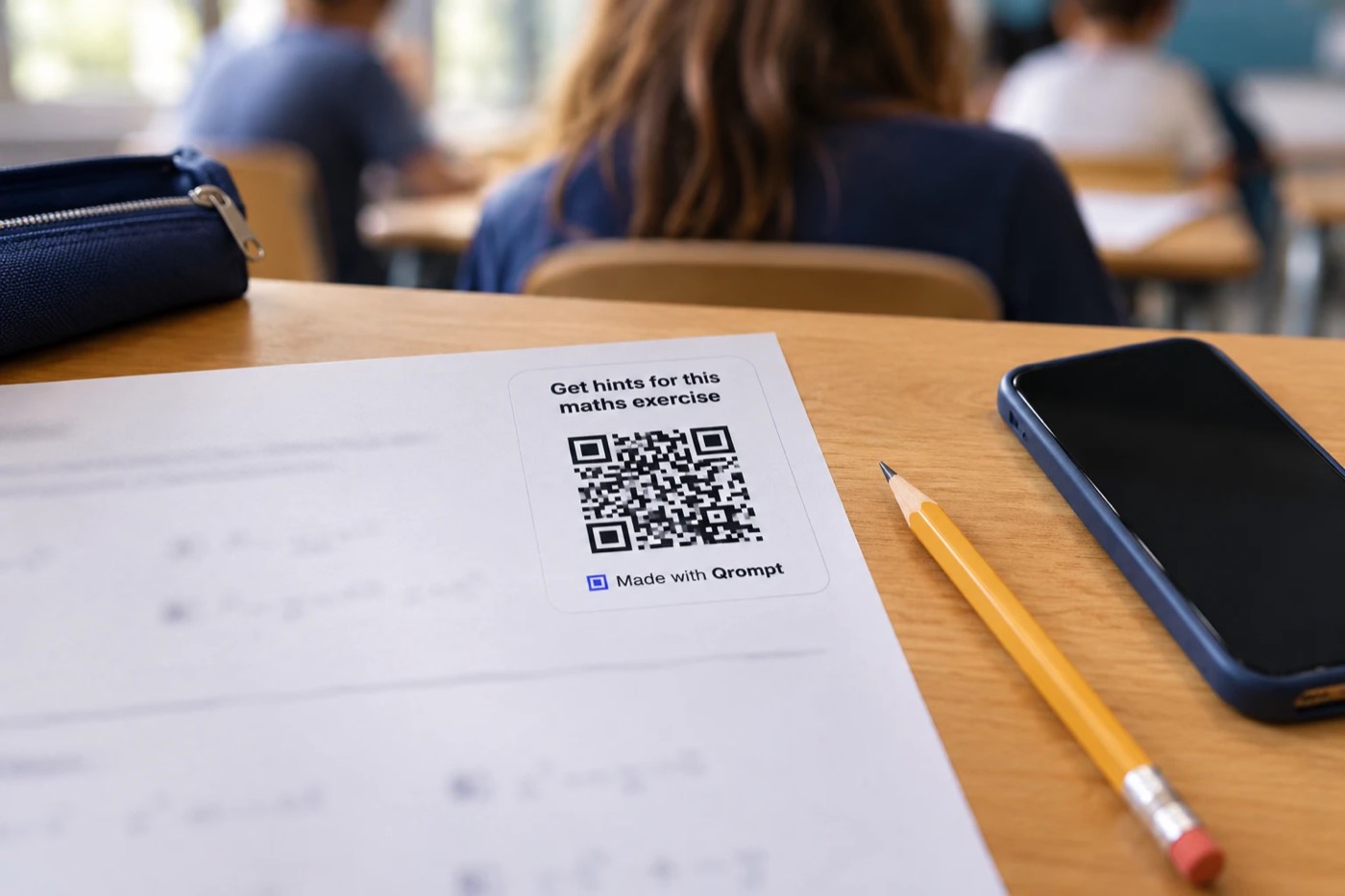
05 / 10
A tutor on every worksheet that gives hints, not answers. Free for teachers.
Where it goes: Worksheets, textbooks, the classroom wall
People ask
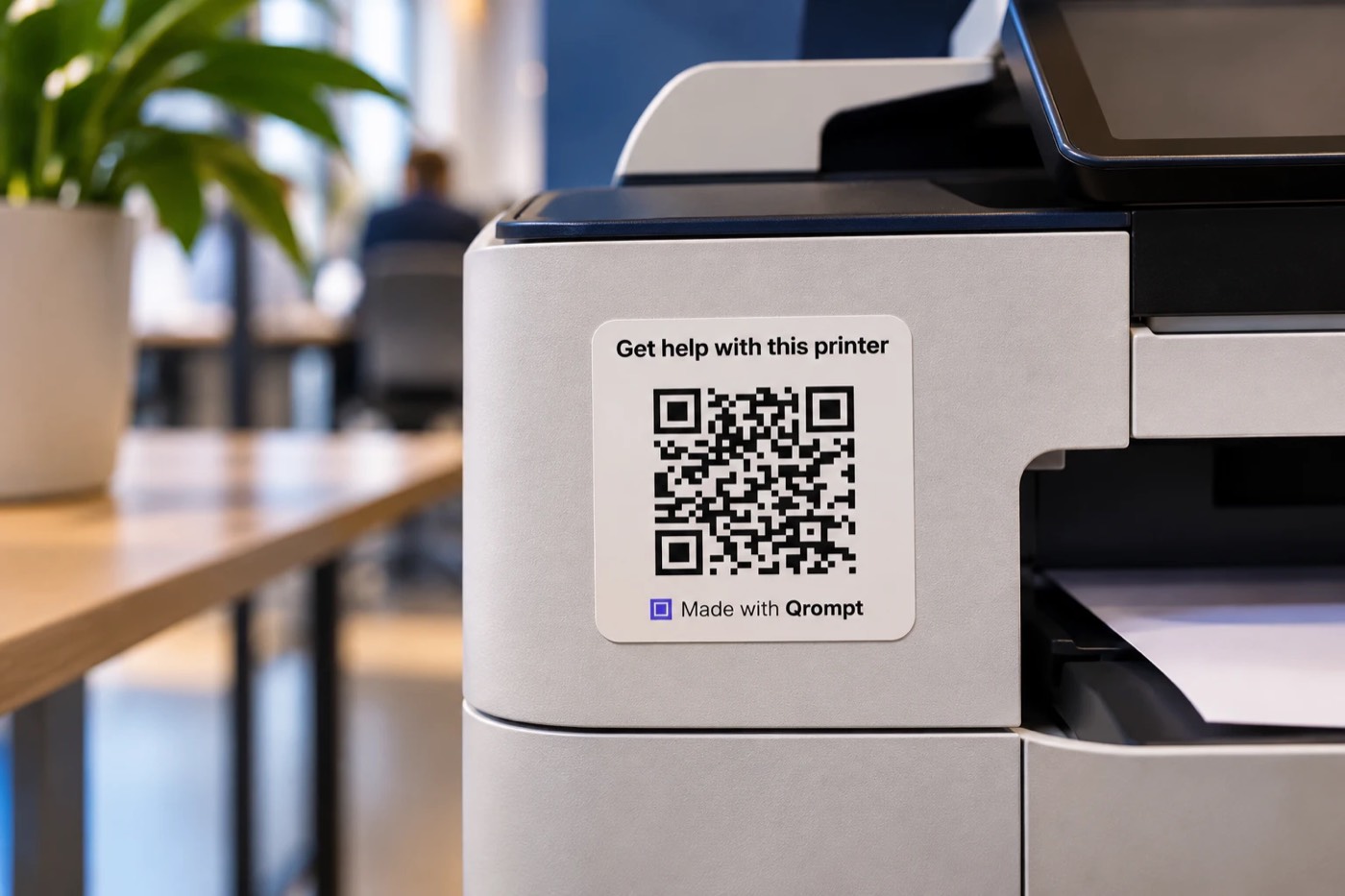
06 / 10
People fix the paper jam with the help of an AI, and facilities get fewer calls.
Where it goes: Printers, coffee machines, gym equipment, laundry rooms
People ask
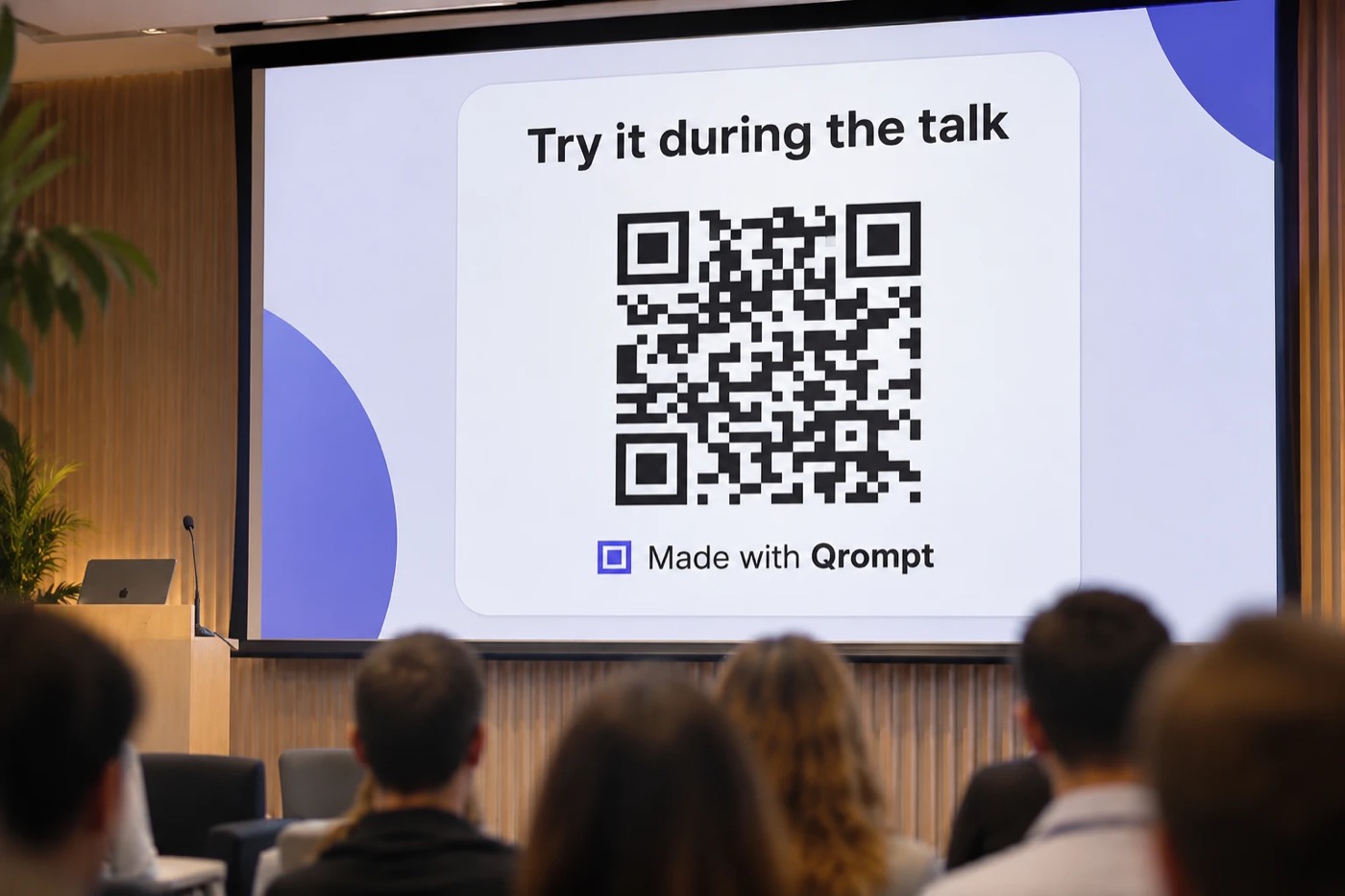
07 / 10
Everyone in the room tries your prompt in seconds, and leaves with it on their phone.
Where it goes: Slides, handouts, badges, event programmes
People ask
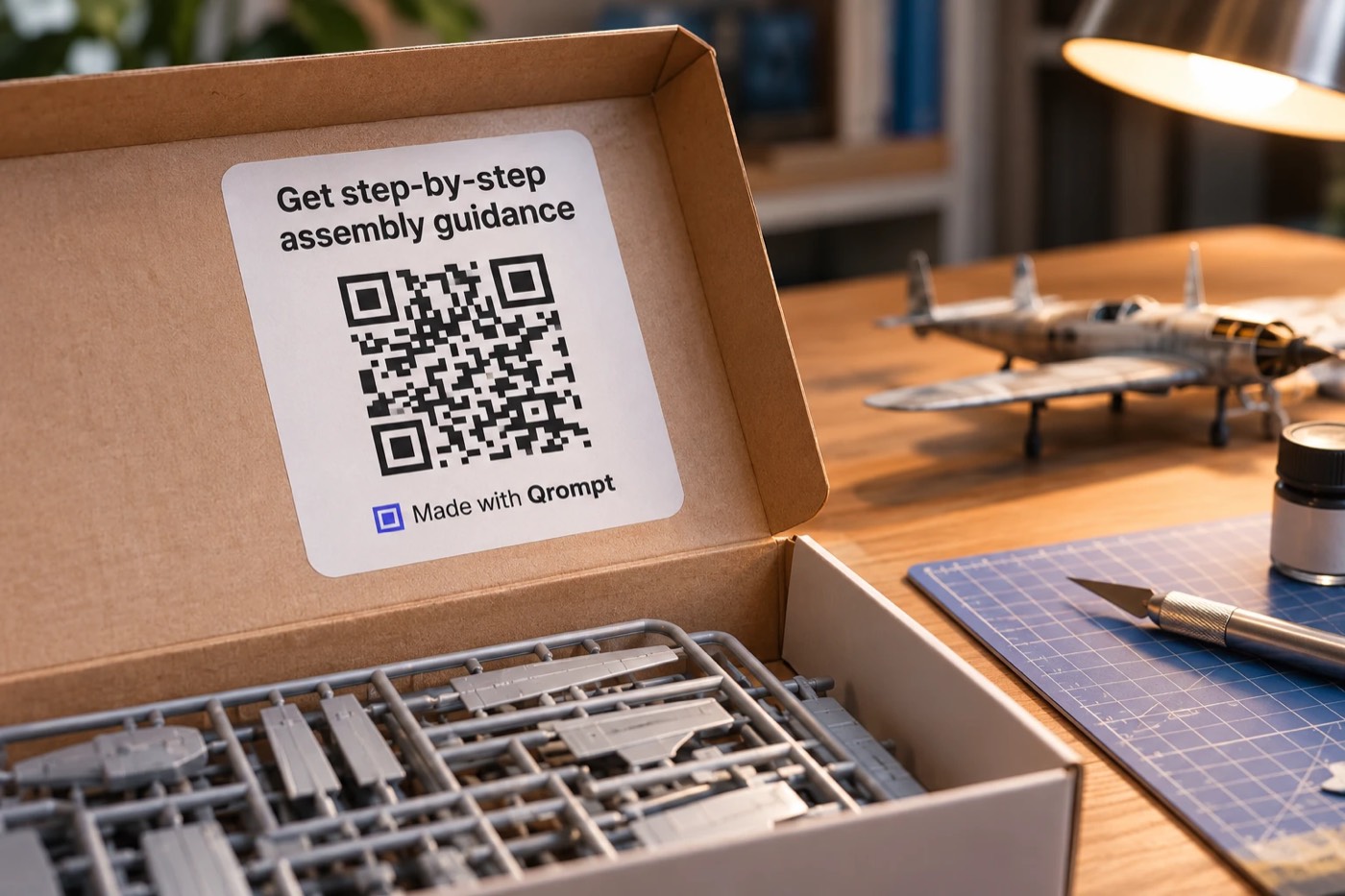
08 / 10
Step-by-step help for every build, so fewer kits end up half-finished in a drawer. Board games and books get rules and answers at the table too.
Where it goes: Box lids, instruction sheets, rule books, back covers
People ask
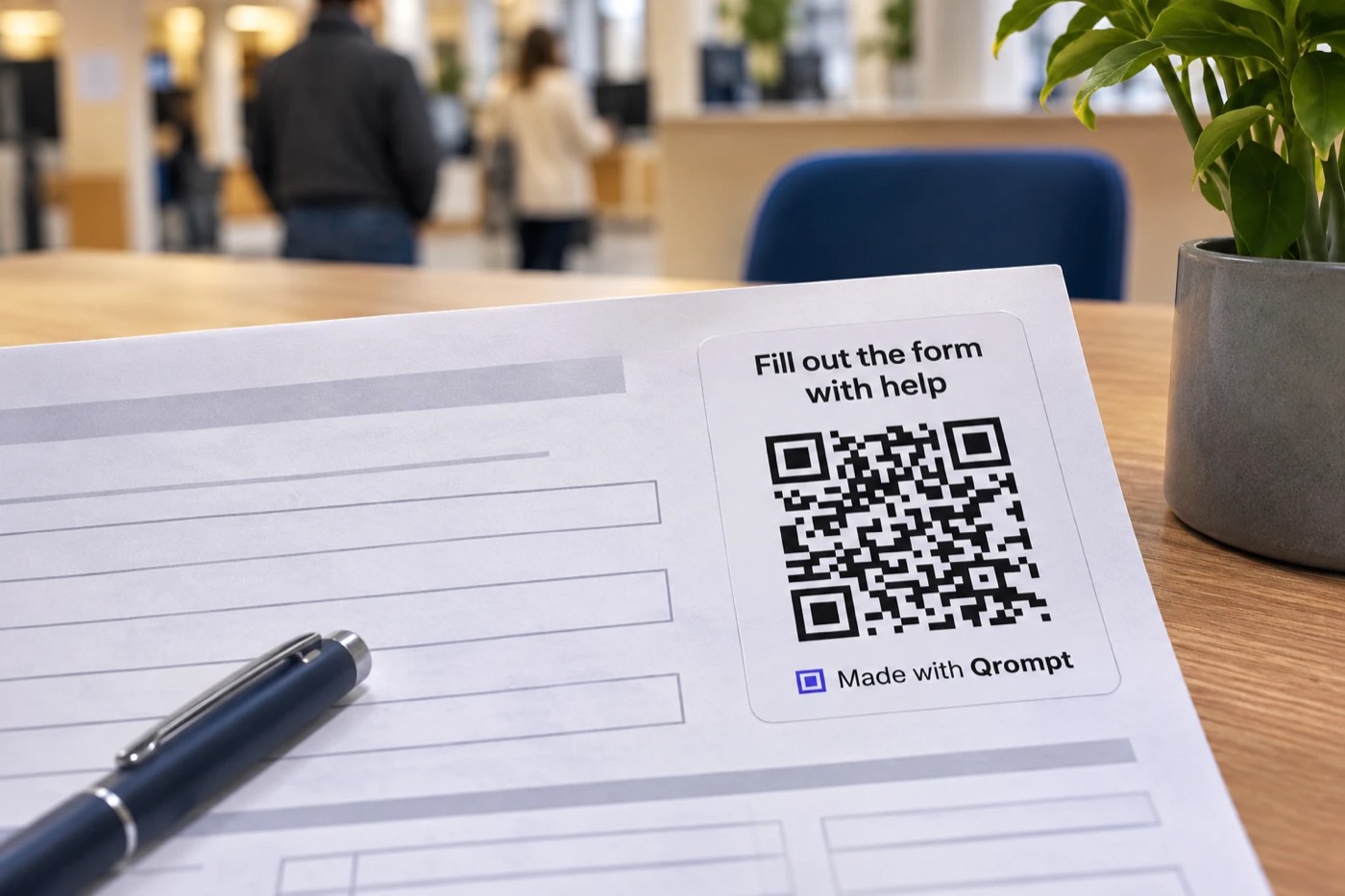
09 / 10
Fewer mistakes on the form and fewer questions at the counter.
Where it goes: Paper forms, waiting rooms, notice boards
People ask

10 / 10
Signs and listings that answer questions before anyone calls.
Where it goes: For-sale signs, open-house flyers, shop windows, building signs
People ask
How it works
Say what the AI should know and how it should help: the exhibit's story, tonight's menu, the manual.
Download it as PNG or SVG and put it where people are. Change the prompt later; the printed code stays the same.
They see the message, pick their assistant, and the conversation opens in their own account.
The conversation runs in each person's own assistant. You don't pay per question or maintain a chatbot.
People see the full message before it opens, and invisible characters are stripped out.
Fix a price or add a dish. The code on the table keeps working.
Links are described in AIL, an open format anyone can read, so you aren't locked in.
Works with
At Qrompt we focus on giving your visitors the best experience today's assistants allow, tested on real phones and computers. As the technology evolves, we keep up with it, so your visitors keep getting the best experience and your printed codes never fall behind, without reprinting a thing. Qrompt also copies the message, so it's always one paste away.
| Assistant | Opens | Your message | Good to know |
|---|---|---|---|
| ChatGPT | Yes | Usually placedPlaced in the chat box in our tests. This isn't an official feature, so it can change. | If the person isn't signed in, ChatGPT sends the message as soon as it opens. Tested 11 Nov 2026. |
| Claude | Yes | Usually placedPlaced in the chat box in our tests. This isn't an official feature, so it can change. | Claude waits for the person to press send, and shows a caution notice on computers. Tested 11 Nov 2026. |
| Gemini | Yes | PasteNot through a link. Qrompt copies it and the person pastes it. | Needs a Google account. Tested 11 Nov 2026. |
| Perplexity | Yes | Usually placedPlaced in the chat box in our tests. This isn't an official feature, so it can change. | Perplexity sends the message as soon as it opens. Signed out, it may ask for an account before answering. Tested 17 Nov 2026. |
| Mistral | Yes | Usually placedPlaced in the chat box in our tests. This isn't an official feature, so it can change. | Mistral sends the message as soon as it opens. Signed out, it may ask to sign in first. Tested 17 Nov 2026. |
Results are tracked in the open, per assistant and per device: AIL compatibility status.
Pricing
€0
Everything Qrompt does today.
Let's talk
For brands, chains, venues, publishers and public services running many codes.
Tell us what you need and we'll set it up with you. Teams ask us about:
Questions
No. The link opens the assistant in their browser, or in its app if they already have it.
No. Anyone can scan the code or open the link, with no sign-up. They chat in their own assistant, with their own account; ChatGPT also works on the web without one.
Yes, free while we're early. Create 3 links without an account, and as many as you like with a free one. Teams with many codes can talk to us about Enterprise.
Nobody pays Qrompt per question. The conversation runs in each person's own assistant, and the free plans of ChatGPT, Claude, Gemini, Perplexity and Mistral are enough.
Yes. The QR code points to your Qrompt link, not to the text. Edit the prompt and the same printed code opens the new version.
Qrompt also copies it to the person's clipboard and tells them to paste it. That's the normal path for Gemini and for very long prompts.
On the free plan, every link stays live for at least a year after you create it, and we'll tell you well in advance before anything changes. On Enterprise, links never expire. Printed codes keep working for as long as the link is live.
Yes, that's built in. People see the full message before anything opens, and hidden characters are removed so nothing is slipped in. Every link is checked when it's saved, links may never ask for passwords, codes or payment details, and any link someone reports is taken offline at once until we review it. Qrompt never sees the conversation and never touches anyone's AI account.
AIL (AI Link) is the open format behind every Qrompt link. It describes a link's message, language and options in plain JSON that anyone can read and any tool can open. We publish it openly on GitHub (github.com/ail-spec/ail), so your links aren't locked into Qrompt.
Yes. Your dashboard sums up all your codes, and each one has its own page: how many times it was opened, a map of the countries scans came from, which assistant people chose, and how often they copied the message. Teams that need more detail across many codes and locations can ask us about Enterprise.
Qrompt is built on GDPR's privacy-by-design principles and keeps as little data as possible. For the people who scan, it keeps only totals per link: opens, countries, which assistant they chose and copies. No IP addresses, no device details, no tracking or analytics cookies, and no ads. Qrompt never sees the conversation, which happens between the person and their own assistant. Link owners can see, correct or delete their data at any time by emailing hello@qrompt.app. Details are in our privacy policy.